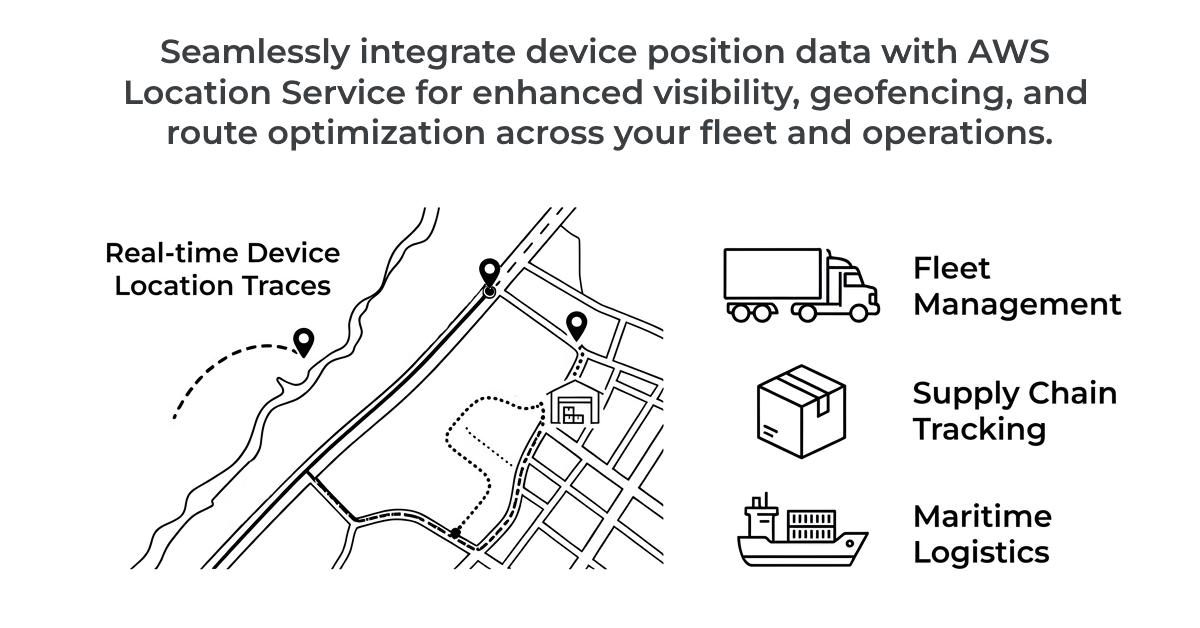
Proxylity UDP Gateway now delivers device positions directly to
AWS Location Service tracker resources. GPS trackers, asset tags, and
fleet devices that report over UDP can now update a tracker with no code at all.
UDP Gateway decodes the device ID, latitude, longitude, and any custom metadata straight from the packet
and calls BatchUpdateDevicePosition on your behalf.
A huge class of connected devices exists to answer one question: where is it? GPS trackers on vehicles, tags on shipping containers, collars on livestock, sensors on rented equipment. These devices are typically power- and bandwidth-constrained, so they speak compact binary protocols over UDP -- not HTTP, not MQTT with TLS handshakes, just a few bytes fired at a port.
Historically, receiving that traffic meant standing up and babysitting a fleet of UDP listeners, then writing glue code to parse packets and forward them to a location store. With this release, UDP Gateway terminates the UDP traffic and writes positions to an AWS Location Service tracker for you. From there you get geofencing, position history, and map rendering as managed AWS features -- no servers, and you pay only for what you use.
The Location Service destination is a direct integration, meaning there is no Lambda function to write or maintain. You describe how to pull the position fields out of your packet using Binary Range Expressions (BREX), and UDP Gateway does the rest. Three expressions are required, device ID, latitude, and longitude:
Configuration example (JSON):
{
  "DestinationArn": { "Fn::GetAtt": ["Tracker", "Arn"] },
  "Role": { "Arn": { "Fn::GetAtt": ["DestinationRole", "Arn"] } },
  "Arguments": {
    "DeviceIdExpression": "utf8[0:2]",
    "LatitudeExpression": "i16le[2:4]",
    "LongitudeExpression": "i16le[4:6]"
  }
}
That configuration treats the first two bytes of each packet as a device ID string, and the next two
pairs of bytes as little-endian signed 16-bit latitude and longitude. The destination's IAM role only
needs a single permission: geo:BatchUpdateDevicePosition on the tracker.
Binary protocols almost never send coordinates as floating point degrees -- they pack them into
fixed-width integers to save bytes. UDP Gateway converts those integers into the decimal-degree
double values the AWS API expects, and it is smart about the scale factor.
By default, the scale is derived from the BREX value type of the coordinate. Unsigned
types map the full range of the type onto [0, 360) degrees; signed types map onto
[-180, 180). So an i16le latitude uses a scale of 180 / 32768
automatically -- you just pick the type that matches your protocol and the math is handled. Coordinates
sent as text (a utf8 expression like "47.605") are parsed as-is with no
scaling at all.
When your encoding does not fit the "fraction of the full range" model, for example integer
microdegrees, set an explicit ScaleFactor and it is applied to both coordinates:
{
  "LatitudeExpression": "i32le[4:8]",
  "LongitudeExpression": "i32le[8:12]",
  "ScaleFactor": 0.000001
}
A raw value of 47605000 then becomes 47.605 degrees. The
documentation includes a full table of the default
scale factors for every BREX integer type.
In addition to positions themselves, you may want other properties like the battery level, speed, heading, or firmware
version that are present in the same packet. The optional PositionPropertyExpressions
argument is a map of property name to BREX expression, and each entry is attached to the device position
as metadata:
"PositionPropertyExpressions": {
  "battery": "u16le[6]",
  "status": "utf8[8:10]"
}
AWS Location Service allows a maximum of 3 position properties per update, so UDP
Gateway enforces that limit (uses the first three). Optional
AccuracyExpression and TimestampExpression arguments are also available for
devices that report measurement accuracy or their own sample time.
Positions arriving at an AWS Location Service tracker resource are keyed by the device ID you
extract. Trackers can drive geofence enter/exit evaluation and retain position history you can query with
GetDevicePositionHistory. They also support
position filtering (
TimeBased, DistanceBased, or AccuracyBased) to keep chatty
devices from inflating storage costs. Filtering is configured on the tracker itself; combine
AccuracyBased filtering with the destination's AccuracyExpression for the best
results.
The BatchUpdateDevicePosition API accepts up to 10 device positions per call. UDP Gateway
batches packets according to your standard batching configuration, keeps only the newest sample per
device in each batch and then chunks them into groups of 10 before calling the API:
Batching:
  Count: 10
  TimeoutInSeconds: 0.1
The integration is write-only and generates no response. If your devices expect an acknowledgement, pair the tracker with a Lambda or Step Functions destination.
Location Service destinations are available now in all regions where UDP Gateway is supported. Point a
destination at your tracker ARN, grant geo:BatchUpdateDevicePosition, and add the three
required BREX expressions.
For ARN formats, the full scaling reference, and IAM requirements, see the Location Service destination documentation.
A complete, ready-to-deploy example demonstrating decoding a device ID, coordinates, and custom properties from a UDP packet is available in the Location Service example in our GitHub examples repository.
Get started with Proxylity UDP Gateway today. No upfront costs ‐ pay only for what you use.
Buy with AWS Try the Examples Explore Documentation